
Progress Library: Visual Style Examples
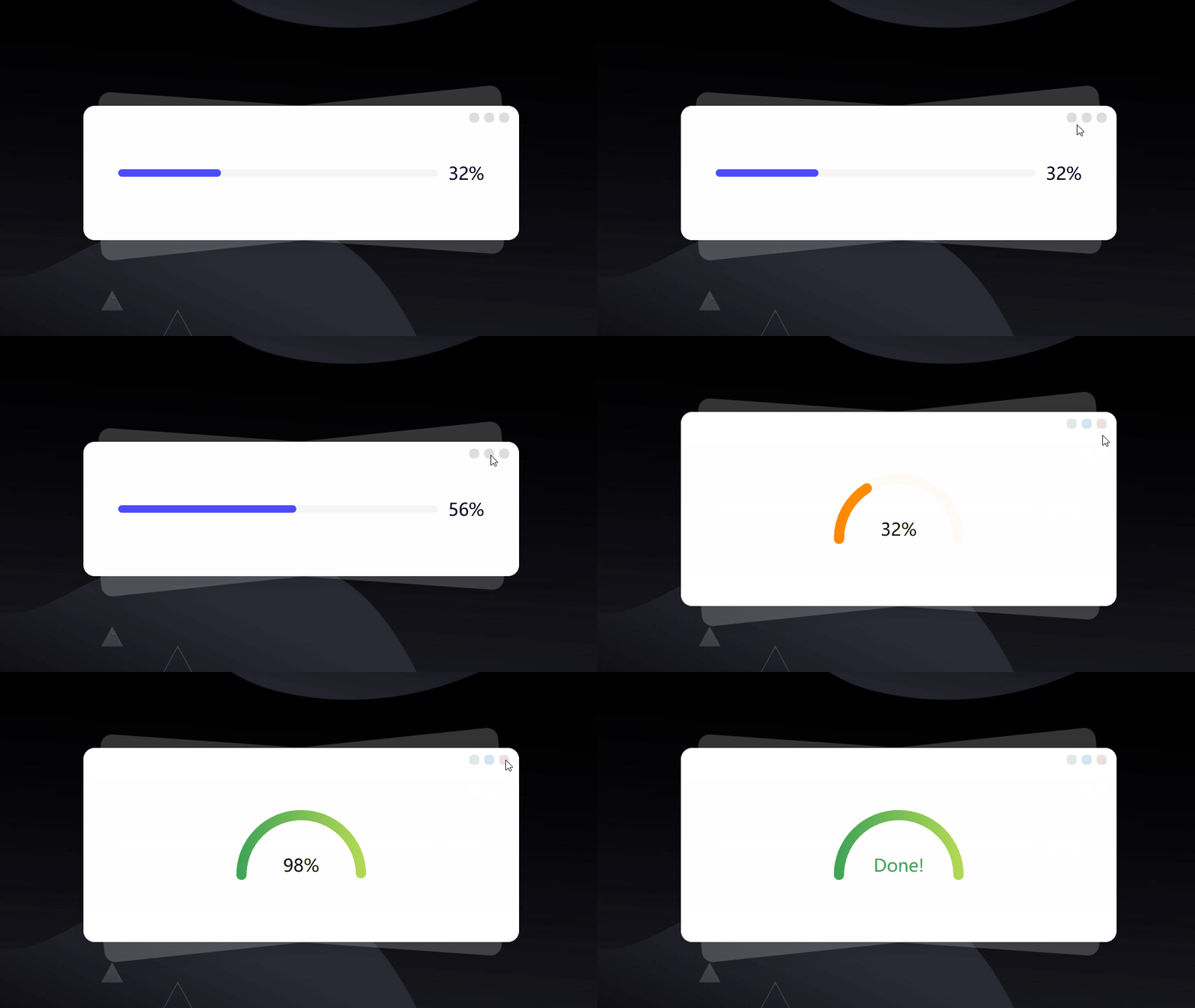
Category: ExamplesThe Progress component displays data loading status, task completion, or process tracking. It supports multiple variants including bar, full circle, semicircle, and large arc designs. The component offers various theme colors (including gradients), adjustable overall and track dimensions, and accepts any numeric progress value (not limited to percentages).
Progress Component: Property and Method Usage Examples10 months ago Progress Component10 months ago Progress Library: Animation and Control Examples10 months ago Progress Library: Visual Style Examples10 months ago Progress Library10 months ago Result Component10 months ago Step Component: How to Use Data and Customize Styles10 months ago Step Component10 months ago
Hide Track
Set parameter simple:true to remove the track for a minimalist style.
Track Thickness
All four types support multiple thickness levels via the size parameter:
Track Width
All four types support multiple widths via the width parameter:
Show Tips
By default only the progress value is shown.
Highlight Values
Custom Sizing
For line progress bars, control width via parent container.
Custom Text Placement
Use label.placement to position the result text anywhere.