
Range Library: Scale Markers, Initial Values, Custom Layouts, Events and Methods
Category: ExamplesThe Range module supports both single and dual slider selection with freeze functionality and ruler markers, providing a perfect replacement for native range components.
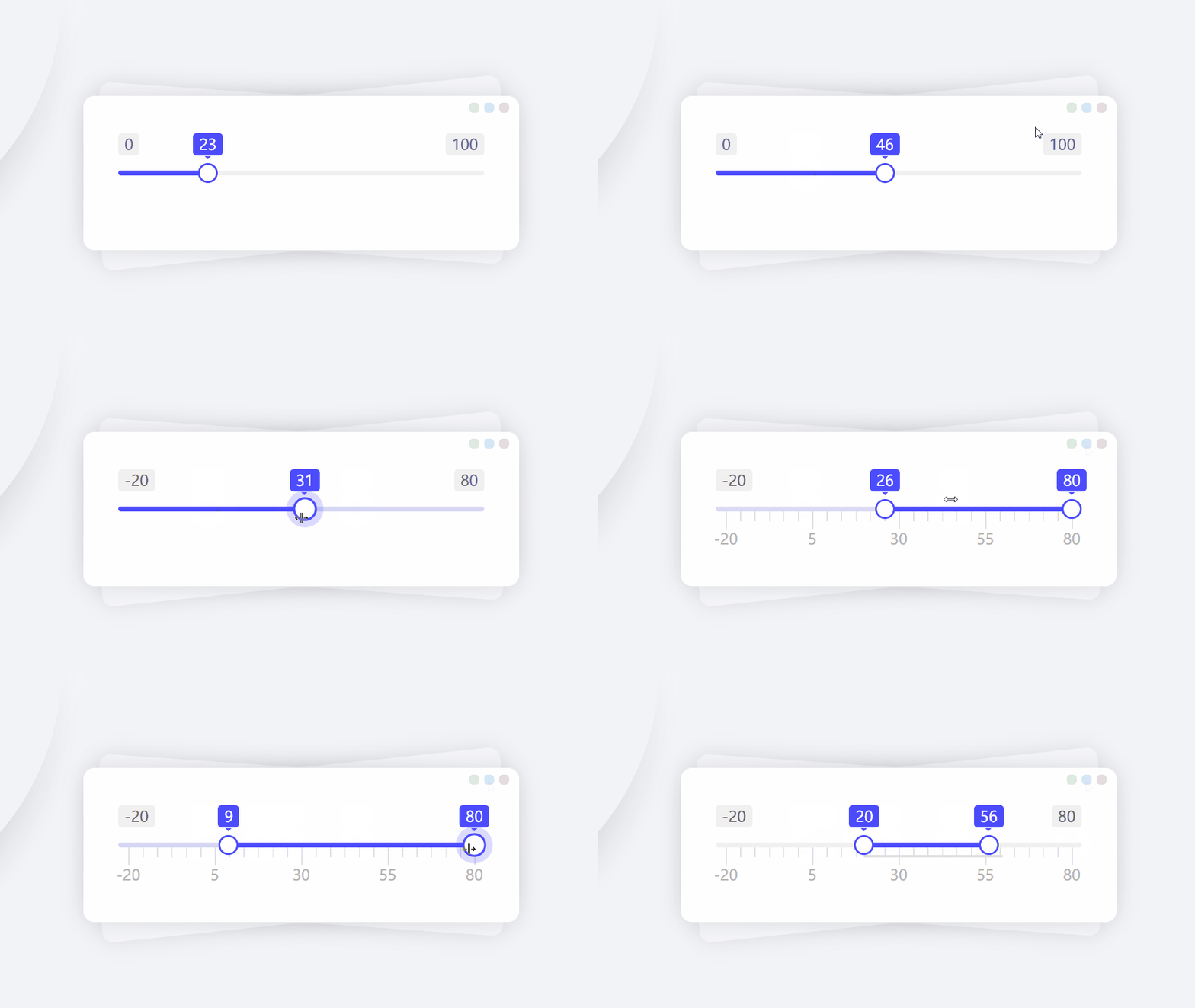
Using Scale Markers
To display scale markers, set ruler:true or ruler.enable:true.
Custom Scale Markers
The ruler parameter is an object with the following properties:
In this module, minor ticks are mainly used to fill the scale nodes for better visual appearance, so they usually don't need special configuration. However, you can set them via ruler.minorEqual if needed.
Scale Markers + Range Constraints
When using fence, it's common to also use ruler as they work well together.
Initial Values
The value parameter sets the slider's initial value.
If the target node is an input, you can set the input's value attribute for initial value.
Initial Value Priority
There are multiple ways to pass initial values to the range library, with the following priority:
Output Results
The result parameter outputs results. Set result:true or result.enable:true to display slider output values.
If needed, use result.target parameter to place output in a custom container (node selector, same format as first parameter of getEl).
Vertical Orientation
Sliders are horizontal by default. Set flow parameter to v for vertical sliding (like water gauge or thermometer).
Keyboard Navigation
Set keyboard:true for keyboard input (using arrow keys instead of mouse clicks).
Various Use Cases
Combine min, max and step parameters to simulate real-world scenarios.
Getting Data
There are three ways to get data:
Operation Methods
Common operation methods:
Clearing Values
In addition to using clear(), you can also clear by setting empty values, e.g. setVals('') or setVals().
Event Listeners
Common event listeners:
Updating Parameters
Use the update method to update instance parameters. This method will reinitialize the instance.
Data Caching
To maintain data state, set the storName parameter (must be unique among similar instances in browser cache).
Destruction and Initialization
Use destroy method when no longer needed, and init method to re-enable.