Status Component
Category: DataThe status indicator displays system states, such as: new messages in current tasks, section notifications, error alerts, or warning prompts in content blocks.
Introduction
In tables or lists, when indicating the status of current tasks or sections, we typically use colored blocks, icons, or highlighted text for differentiation. The oc-status component can be used to represent these states.
This framework's status component mainly consists of two parts: an indicator light and text (where text is optional).
Basic Usage
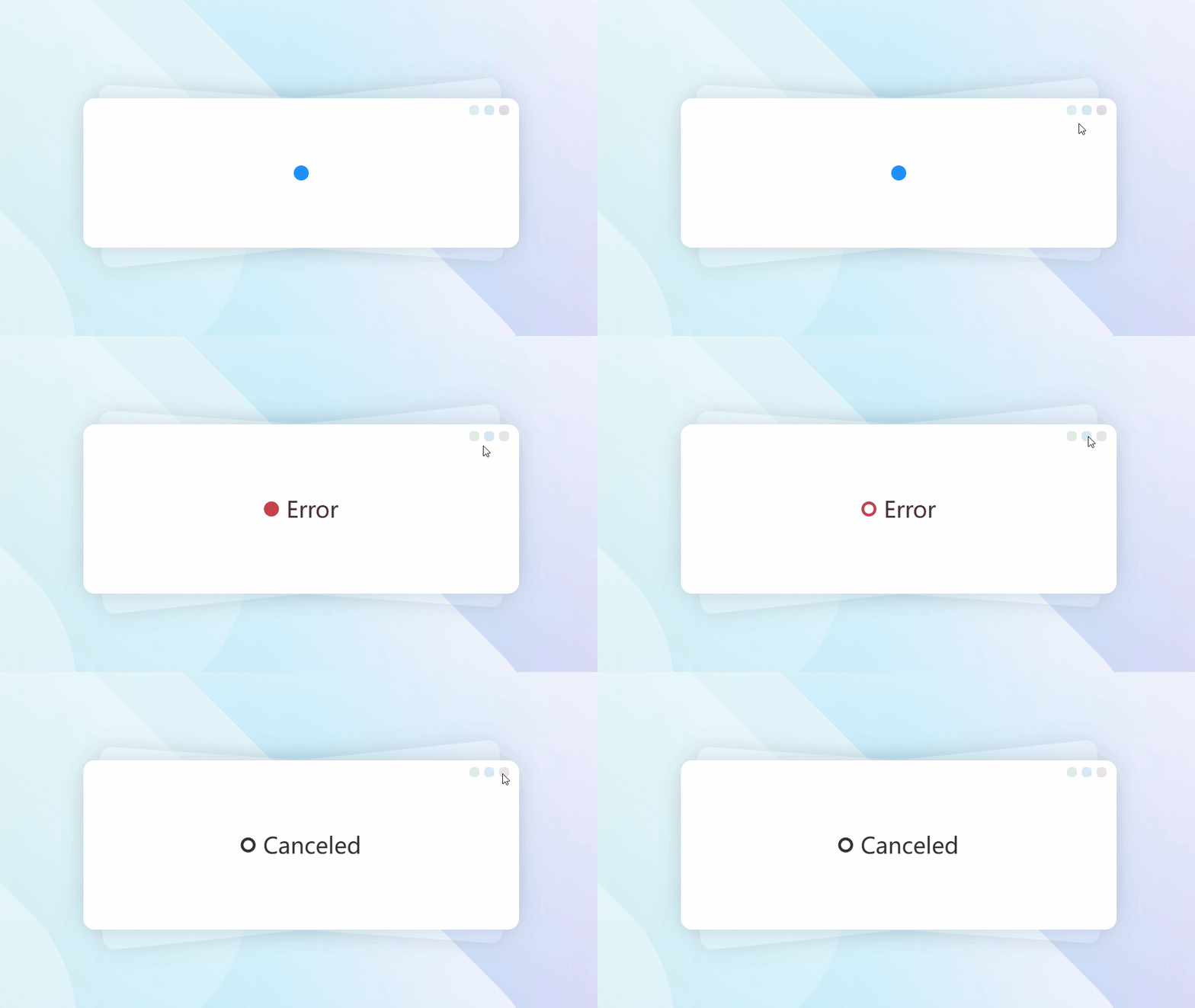
The oc-status tag represents this framework's status component. The simplest usage is inserting an empty node to indicate a basic status (message notification state).
- Output
- HTML
Using Labels
Set labels via the label attribute or place text directly within the node.
If the label attribute exists but has no value, default text will be used.
- Output
- HTML
-
Custom text -
Indicator Types
Set the indicator type with the type attribute. Options are dot and circle (default is dot).
- Output
- HTML
Current Status
Set the current status with the current attribute. Options: succ, error, warn, issue, info, confirm, cancel, and forbid (default is info).
- Output
- HTML
To modify the default status text, use the lang attribute.
- Output
- HTML
Custom Colors
Customize the indicator color using the lamp attribute, e.g. lamp="red", lamp="#ff0000", etc.
The lamp and label attributes can be used to create any custom status.
- Output
- HTML
-
Changed info status indicator to red, using default text
Changed info status indicator to red, modified default text
-
Modifying Default States
Combine the lamp, current and label attributes to modify default states.
This is particularly useful when the default colors and text don't accurately represent the states in your project.
- Output
- HTML
Attributes
| Name | Type | Values | Default | Description |
|---|---|---|---|---|
| type | string | 'dot'/'circle' | 'dot' | Indicator type |
| current | string | 'error'/'succ'/'info'/'warn'/'issue'/ 'confirm'/'cancel'/'forbid' |
'prim' | Theme style |
| label | string | '' | - | Label text |
| lamp | string | '' | - | Indicator color |
Common Methods
Common component methods:
set: Set properties (takes key-value pairs or array)reset: Reset properties (no params)clear: Clear properties and values (no params)
Basic usage: CompElem.reset()
Common Events
Common component events:
connected: Component connected (no params)disconnected: Component disconnected (no params)adopted: Component moved (no params)set: Property set (receives value)cleared: Property cleared (no params)reset: Property reset (no params)
Basic usage: CompElem.on('connected',()=>{console.log('connected')})